01
Upload with intention.
Bring an image, PDF or HTML layout, or import a selected Figma frame.
Original files preservedShare website mockups, collect client feedback, and keep every revision on the same link. No client account required.
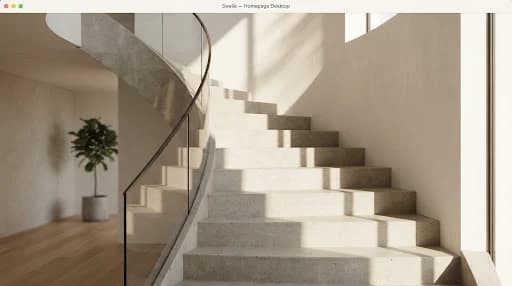
Architecture shaped around everyday life.

Give this introduction a little more breathing room.
Example review noteImages and PDFs up to 100 MB. HTML / CSS, asset ZIPs and selected Figma frames are supported.
Need different screen layouts? Add tablet and mobile versions from your private management page after creating the preview.
Less attachment management. More attention on the work.
Bring an image, PDF or HTML layout, or import a selected Figma frame.
Original files preservedSend your client a browser preview. Keep the private management link for yourself.
No client account requiredReplace the design when the next version is ready. The client keeps the same link.
Versions stay in contextGive the design a clear home, the feedback a little context, and every revision a familiar destination.
Upload the next version through your private management link. Earlier versions and their feedback remain available to you.
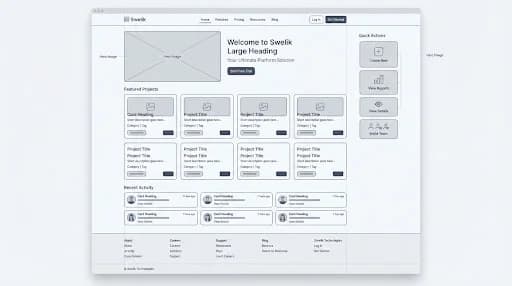
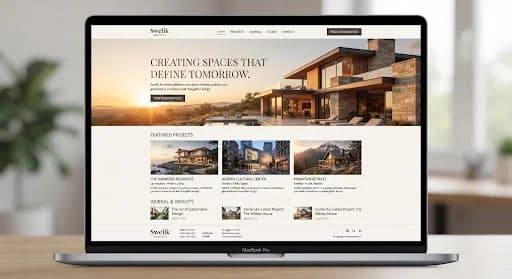
Place pins on image designs. Leave version comments on PDF and HTML previews.
Keep the heading on two lines.Example revision note
Add desktop, tablet and mobile layouts separately from your management page.
Share images, vector PDFs and isolated HTML/CSS. Import selected Figma frames as static PDFs.
Original files stay separate from optimized previews. Vector detail can stay sharp; raster images retain their resolution limits.
How preview quality worksShow the layout you designed for each screen. Add device variants yourself; Swelik does not automatically turn a screenshot into a responsive website.
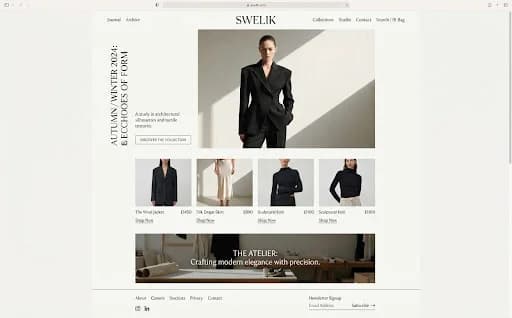
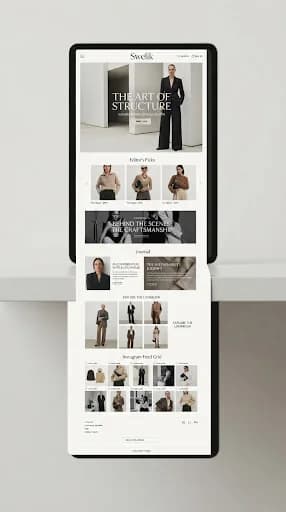

Illustrative device layouts. Add your own versions after creating a preview.
A practical presentation method for long landing pages and full website screenshots that need more context than a single attachment.
Read articleA practical responsibility model for client design reviews, including who comments, who resolves conflicts and who confirms the next step.
Read articleA focused template for the information that should accompany an approved website mockup before implementation begins.
Read articleChoose Figma import in the upload form, enter your project name, Figma design link and a personal access token with file_content:read permission, then load and select a frame. Swelik imports that frame as a static PDF. This is not an editable Figma file or interactive prototype.
Swelik turns an exported website design into a browser preview with a shareable URL. It also keeps versions and lets clients leave contextual feedback without creating an account.
PNG, JPG/JPEG, WebP and PDF files up to 100 MB, plus self-contained HTML/CSS up to 2 MB. PDFs support up to 100 unencrypted pages. Images also have a safe decoded-pixel limit. HTML asset ZIPs support up to 20 MB compressed and expanded. Figma import exports a selected frame as PDF. Local .fig files, SVG uploads and executable scripts are not supported.
Yes. Use Replace Mockup in the private management page. Each replacement becomes a new version. The shared URL shows the current version, and earlier versions remain accessible to the owner and administrators.
Owners and administrators can download retained versions. Public visitors can download the current original only when downloads are enabled for the project and the site.
Swelik helps freelance designers, developers and agencies present images, PDFs, HTML layouts and static Figma exports. Share the work, discuss the details and return to the same preview for the next revision.
Explore the complete workflow ↗Bring the design. Keep the conversation attached to it.
Upload a Mockup ↗
Make the main action easier to find.Example image annotation